Screen Recorder
Record computer screen without time limit


AI VideoKit
Record, edit, convert, and repair any media file

Audio Converter
Convert audio files to any format

AI Audio Joiner
Merge multiple audio files into one

Media Player
Play various multimedia files smoothly

Screenshot
Capture, edit and annotate images

AI Image Converter
Convert HEIC, LivePhoto and more


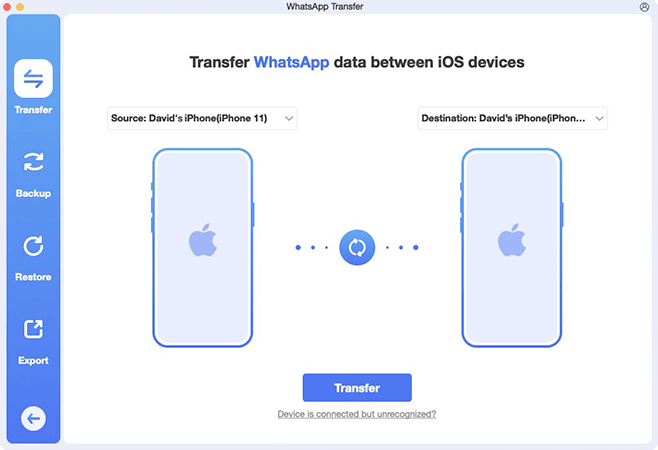
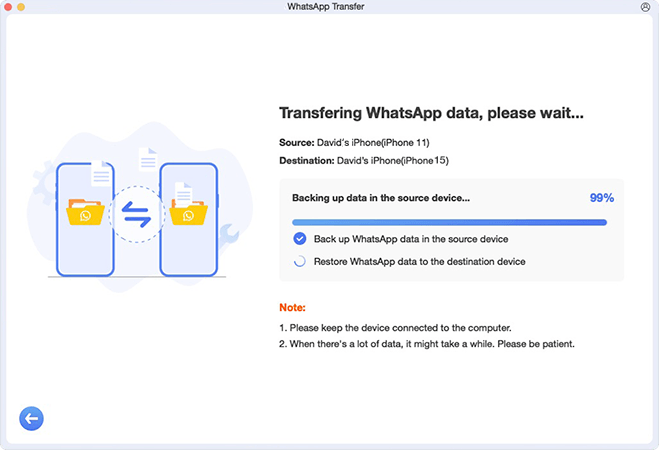
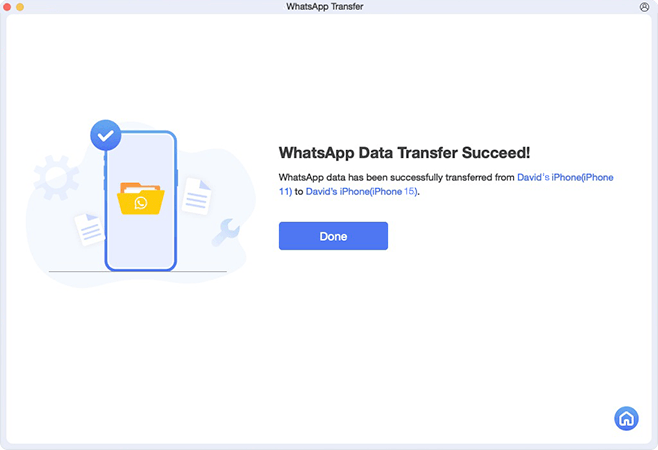
Whenever you’d like to use a new device but heavily worry about WhatsApp data loss, Anikeep WhatsApp Transfer, a professional WhatsApp chat transfer, can come to rescue. It works well to transfer WhatsApp to new phone seamlessly and effectively. There is no need to factory reset your device or uninstall WhatsApp, all data and attachments can be transferred easily across different iOS devices.






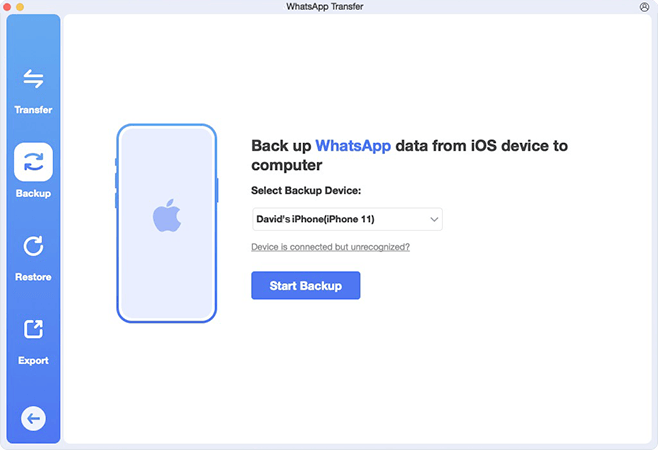
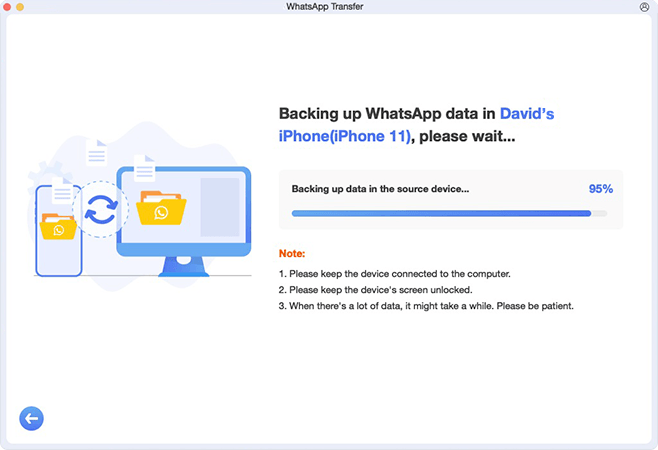
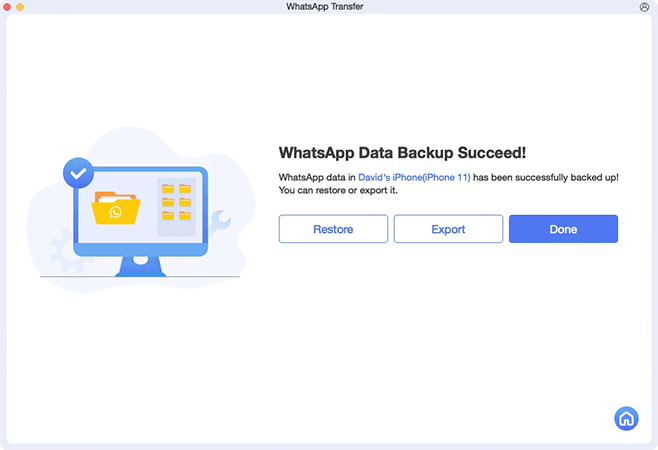
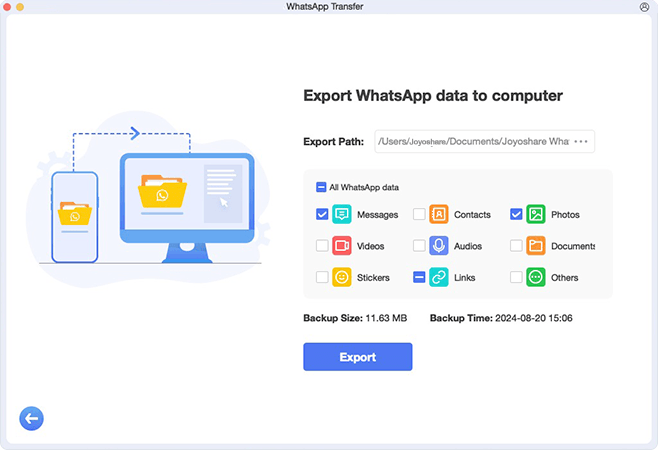
Undoubtedly, 5 GB free iCloud space is limited to back up WhatsApp anytime. If your WhatsApp data takes up too much space, don’t hesitate to use Anikeep WhatsApp Transfer. It helps you to back up WhatsApp messages, photos, contacts and more from your iPhone to computer without concerning about storage issue and without using iCloud.




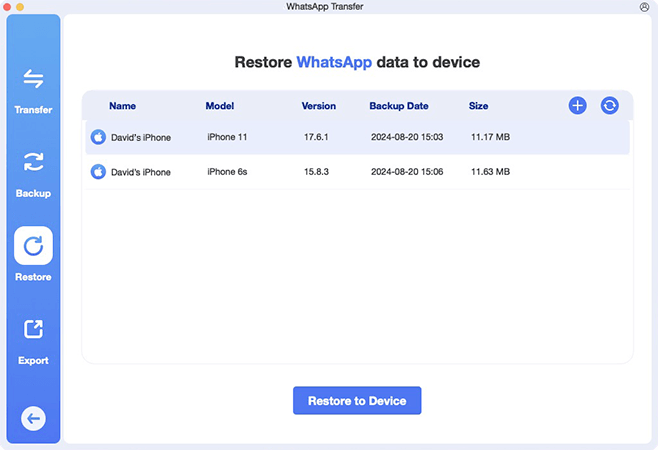
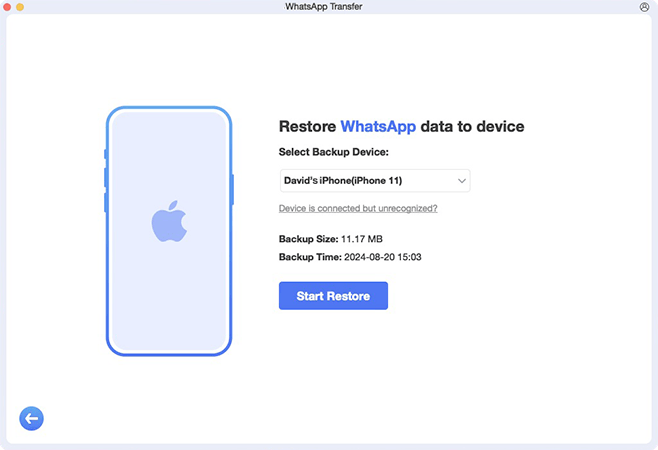
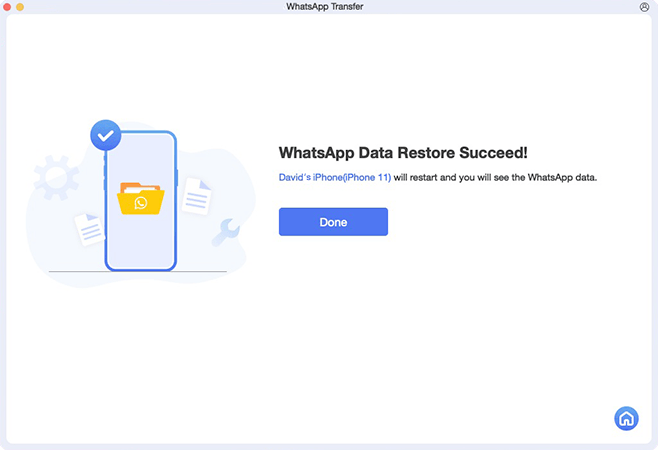
Anikeep WhatsApp Transfer is here to provide you with an efficient and secure solution to restore WhatsApp backups from your computer to iPhone or iPad. It allows you to select any backup file you need and preview chat history in real time. This can certainly salvage you from different data loss scenarios.


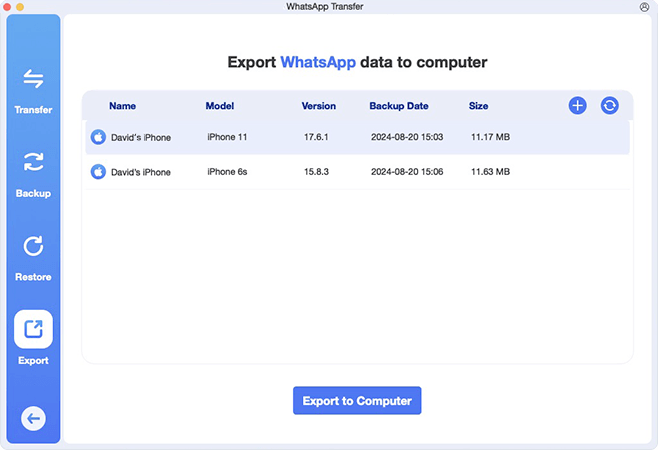
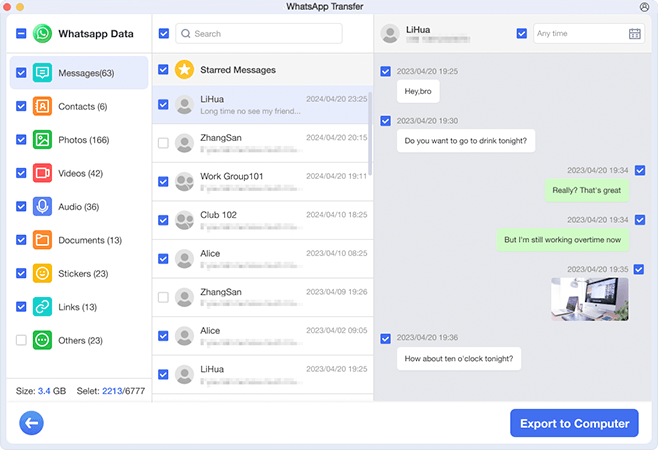
If you are wondering how to better view and manage desired data in WhatsApp, then Anikeep WhatsApp Transfer may be your first choice. It enables you to preview messages, videos, audio, contacts, and more in real time. You can either fully or selectively choose whatever you want, and then export WhatsApp chats to your computer in HTML or other forms.

Anikeep WhatsApp Transfer supports any data in WhatsApp and WhatsApp Business, without leaving any information that you care about. It can transfer, back up, restore and export WhatsApp messages, photos, documents, audio, and more.
 Messages
|
 Contacts
|
 Photos
|
 Videos
|
 Audios
|
 Documents
|
 Stickers
|
 Links
Links
|
 Others
|
| WhatsApp Transfer |  Anikeep WhatsApp Transfer Anikeep WhatsApp Transfer |
 WhatsApp WhatsApp |
|---|---|---|
| Uninstall WhatsApp app |  No need No need |
 Needs to uninstall Needs to uninstall |
| Success rate | High (Nearly 99%) |
Low (unexpected stuck/frozen issues, or errors) |
| Transfer media files | All WhatsApp data |
Sometimes only partial data |
| Transfer speed | Fast
|
Relatively slower |
| Phone number | Transfer between different phone numbers |
Only the same phone number |
| Supported WhatsApp versions | WhatsApp and WhatsApp Business |
Doesn’t support transfer on WhatsApp Business |
| Selective WhatsApp transfer | Choose specific data |
Does not support |
| Preview WhatsApp data | Real-time preview |
Cannot preview |
| Transfer old WhatsApp backups | Support old backups |
Does not support |

Copyright © 2026 Anikeep Studio. All Rights Reserved.