anikeep
  • Multimedia
    • screen record

      Screen Recorder

      Record computer screen without time limit

    • audio record

      AI Audio Recorder

      Record all sounds in high quality

    • Subtitle-editor

      AI Subtitle Editor

      Edit , create subtitles

    • video-cutter

      AI Video Cutter

      Cut video to small clips without re-encoding

    • video-editor

      AI Video Editor

      Crop, effect, subtitle, adjust audio, speed, etc.

    • video-compressor

      AI Video Compressor

      Compress videos with AI to reduce file size

    • video-repair

      AI Video Repair

      Repair corrupted video and audio files

    • video-converter

      Video Converter

      Convert video to any format at 60X speed

  • Utility
    • videbox

      AI VideoKit

      Record, edit, convert, and repair any media file

    • audio-converter

      Audio Converter

      Convert audio files to any format

    • audio-joiner

      AI Audio Joiner

      Merge multiple audio files into one

    • media-player

      Media Player

      Play various multimedia files smoothly

    • screenshot

      Screenshot

      Capture, edit and annotate images

    • image-converter

      AI Image Converter

      Convert HEIC, LivePhoto and more

  • Support
  • Download
  • Store
bg wrap logo

Screen Recorder

Record screen, webcam, gameplay, and window in
high quality

  • Record screen in 1080p/4K at 240fps with no lag
  • Record gameplay, webcam, and application window professionally NEW
  • Grab sound from computer system and narrate with microphone
  • Capture video at any length with no watermark and time limit
  • Smartly schedule recording, highlight cursor, show clicks, etc.
Free Trial Free Trial
Buy Now Buy Now
Overview
Guide
Tech Spec
Trim Video
  • Trim MP4
  • Trim MP3
  • Cut Video Online
  • Cut Audio
  • VLC
Video Editing
  • Merge MP4
  • Add Watermark
  • Add Subtitles
  • iMovie
  • Windows 10
Recording Tips
  • Record Screen
  • Record Audio
  • Game Recorder
  • Record Zoom Meeting
Convert Video
  • Convert DVD
  • Convert MP4
  • Convert MP3
  • Convert AVI
  • Convert MKV
  • Convert MOV
Find More Tips

Multiple and Flexible Screen Recording Modes

AI VideoKit can be a foolproof tool that well satisfies whatever needs you have in recording. It keeps optimal output quality for your videos, handy for you to share and edit.
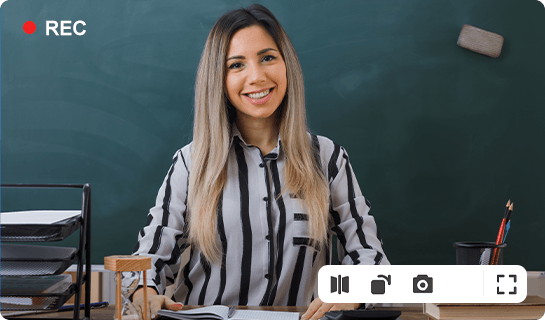
  • Screen Recorder
  • Webcam Recorder
  • Game Recorder
  • Window Recorder
  • screen recorder

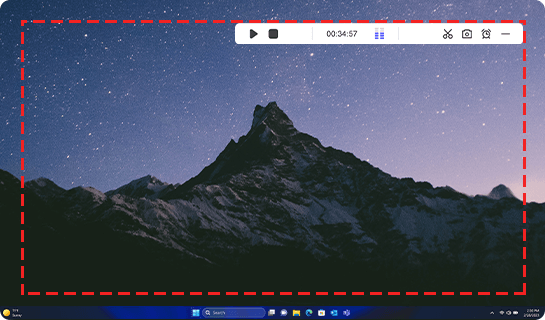
    Capture Everything on Computer Screen

    Equipped with excellent recording optimizer, this screen recorder in AI VideoKit offers you flexible options to select capturing area freely based on your actual requirements. You're allowed to straightly record any ongoing activity on your computer in full screen, choose the preset standard resolutions, like 1280*720, 1920*1080, etc. or specifically set width and height to designate a partial area for screen recording.
  • webcam recorder

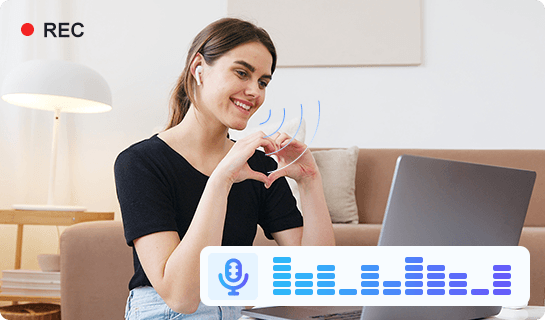
    Record Real-time Webcam Videos Securely

    Are you looking for a webcam recorder to create webcam videos in high quality? AI VideoKit makes it easier than ever, empowering you to record from camcorders, USB webcam cameras, and even video capture cards. The recorded webcam video can be saved along with voice from microphone and audio from computer system. Also, it’s stress-free to switch different source to capture from, shape your webcam, rotate or flip to correct a display angle.
  • game recorder

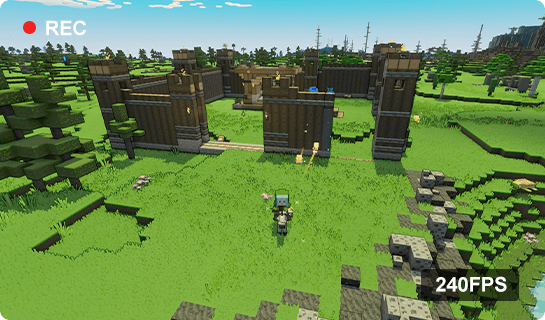
    Record Game with Webcam at 240 FPS

    Desire to show off your wonderful gameplay performance on YouTube? Feel like to keep your 2D/3D game highlights for future playback? This tool provides a great solution to record game video with webcam in high resolution, up to 4K UHD (4096*2160), entirely suitable for your low-end PC, causing no lags and no frame drops. You can watch smooth captured videos for a wide range of games, such as LOL, PUBG, Minecraft, Roblox, etc.
  • window recorder

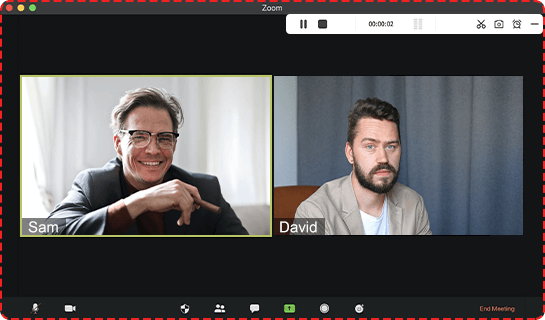
    Record Specific Window in the Background

    AI VideoKit delivers a good platform for you to capture a target window even when it is running in the background. You can readily record video from browsers, streaming video websites, notepad, types of desktop apps like Zoom, Microsoft Teams, Discord, iMovie, etc. Operations performed in the window that you specify can be captured directly, which is handy, especially for making a tutorial, showing product instruction, and more.
record audio

Independent Audio Recorder to Capture Sound

In addition to recording screen video, AI VideoKit also serves as a smart audio recorder, empowering you to record all types of audios on your computer, such as system sound, microphone voice, online radio, music games and more.

With the built-in audio encoder, the audio recordings can be saved in MP3, AAC, WAV, FLAC, M4A, M4B, etc. You can also freely manage the audio tracks by editing the ID3 tags like title, album, track, etc.
schedule recording

Schedule Recording Tasks to Save Time and Energy

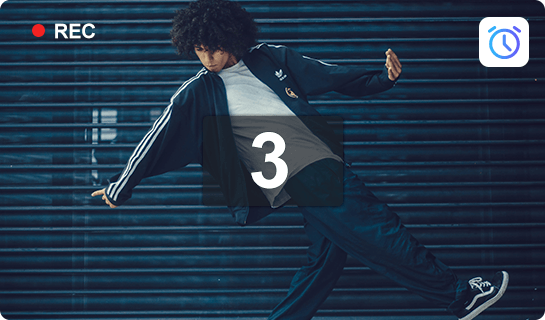
What makes this video capture remarkable is that it enables users to set up recording in advance. You will be allowed to create scheduled screen capture tasks by presetting the start time and stop time so that you don't need to stay in front of the computer when recording the screen.
no time limit

No Time Limit to Record Screen

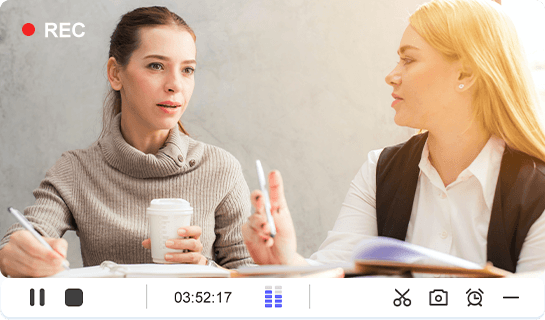
As a full-featured video capture, this screen recorder in AI VideoKit makes it easier to record all desktop activities as you want, such as self-demonstration, lectures, live chat, webinars, podcasts, video games, Skype calls, webcam videos, etc. without any time limitation.

Discover More Incredible Features

In order to enhance your recording experience, this professional screen recording tool is well developed with various other settings for you to choose.

take snapshots

During the recording process, you are free to take any screenshots as you like and save them as either JPG or PNG.
add watermark

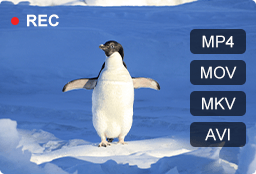
Export your video to popular media formats or save it with high compatibility to mainstream editor software like iMovie, Final Cut Pro.
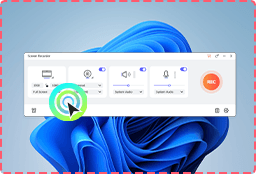
show clicks

It's available to make your video more focused by showing/hiding cursor and highlighting click movements using desired effects.
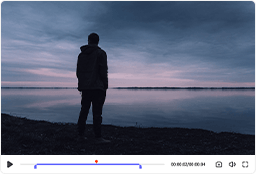
trim recording

After finishing recording, you can manage your videos and audios by trimming to get rid of the unnecessary content with ease.

Anikeep logo

Newsletter

Support
  • Support Center
  • How-To
  • Refund Policy
  • Free License
Star Products
  • AI VideoKit
  • AI Video Editor
  • Screen Recorder
Company
  • About Us
  • Terms & Conditions
  • Privacy
  • Contact Us

Copyright © 2026 Anikeep Studio. All Rights Reserved.

Anikeep uses cookies to ensure you get the best experience on our website. Learn More