anikeep
  • Multimedia
    • screen record

      Screen Recorder

      Record computer screen without time limit

    • audio record

      AI Audio Recorder

      Record all sounds in high quality

    • Subtitle-editor

      AI Subtitle Editor

      Edit , create subtitles

    • video-cutter

      AI Video Cutter

      Cut video to small clips without re-encoding

    • video-editor

      AI Video Editor

      Crop, effect, subtitle, adjust audio, speed, etc.

    • video-compressor

      AI Video Compressor

      Compress videos with AI to reduce file size

    • video-repair

      AI Video Repair

      Repair corrupted video and audio files

    • video-converter

      Video Converter

      Convert video to any format at 60X speed

  • Utility
    • videbox

      AI VideoKit

      Record, edit, convert, and repair any media file

    • audio-converter

      Audio Converter

      Convert audio files to any format

    • audio-joiner

      AI Audio Joiner

      Merge multiple audio files into one

    • media-player

      Media Player

      Play various multimedia files smoothly

    • screenshot

      Screenshot

      Capture, edit and annotate images

    • image-converter

      AI Image Converter

      Convert HEIC, LivePhoto and more

  • Support
  • Download
  • Store
bg wrap logo

AI Video Editor

Easy-to-use AI video editor to post-process videos handily.

  • Crop videos to popular and standard aspect ratios
  • Apply effects to make videos more appealing
  • Add subtitles from local computer to videos
  • Denoise and add desired soundtrack as BGM
  • Speed up or speed down videos in the way you like
Free Trial Free Trial
Buy Now Buy Now
Overview
Guide
Tech Spec
Trim Video
  • Trim MP4
  • Trim MP3
  • Cut Video Online
  • Cut Audio
  • VLC
Video Editing
  • Merge MP4
  • Add Watermark
  • Add Subtitles
  • iMovie
  • Windows 10
Recording Tips
  • Record Screen
  • Record Audio
  • Game Recorder
  • Record Zoom Meeting
Convert Video
  • Convert DVD
  • Convert MP4
  • Convert MP3
  • Convert AVI
  • Convert MKV
  • Convert MOV
Find More Tips
lossless

Crop & Rotate Videos to Matchable Size for Better Saving and Sharing

Being blocked from uploading videos to your social media? Video is not friendly enough for small-screen playback? You can quickly crop it by directly selecting the current most popular aspect ratios like 9:16, 16:9, 1:1, 4:3 and 3:4, or simply designating an area at your disposal. To make the video good for viewing, AI VideoKit also enables you to remove black bars, rotate and flip it in the direction you want.

Apply AI Effects to Enhance Video and Make It Eye-catching

Wondering how to produce an attractive and stylish video? AI VideoKit comes here with abundant special effects, like Oil Painting, Autumn, Green Film, Romantic, Sweet Love, Sparkle, etc. Even more, you can professional decide how it looks like by adjusting brightness, contrast, hue, and saturation.


video-effect-original video-effect-1 video-effect-2 video-effect-3
video-effect-original-small
video-effect-1-small
video-effect-2-small
video-effect-3-small

More Practical AI Video Editing Possibilities to Meet Your Needs

add-subtitles

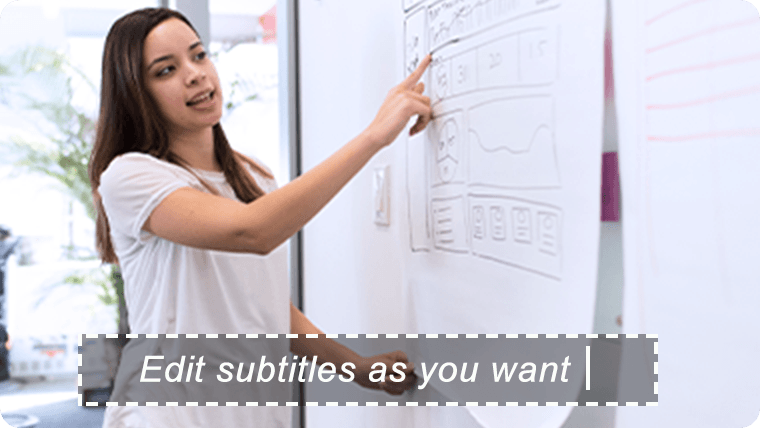
Add Subtitles

Import subtitles from local computer to videos and customize font, position, opacity, background, color, etc.
adjust-audio

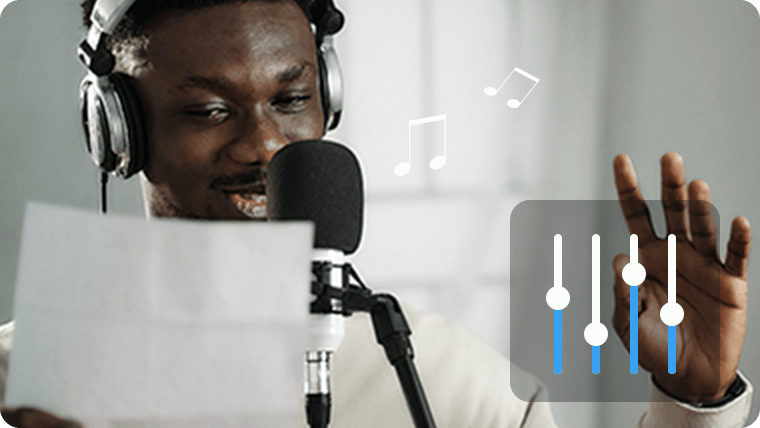
Adjust Audio

denoise, turn volume up/down, keep audio syncing with video, and add background music.
change-speed

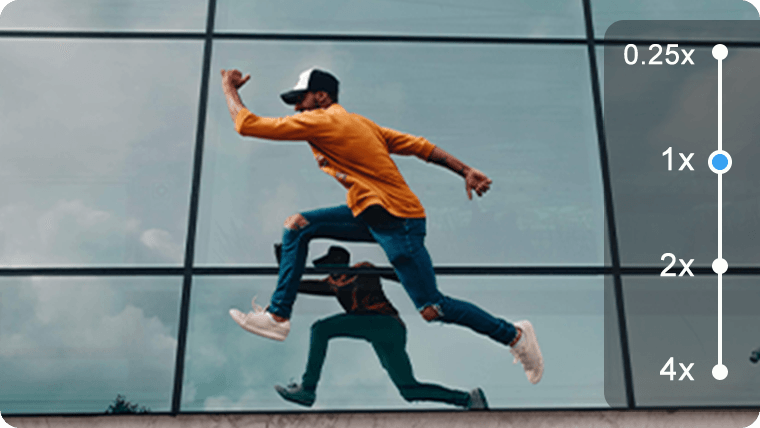
Change Speed

completely control the video playback speed and adjust it from 0.25x to 4x to suit your viewing habit.

Anikeep logo

Newsletter

Support
  • Support Center
  • How-To
  • Refund Policy
  • Free License
Star Products
  • AI VideoKit
  • AI Video Editor
  • Screen Recorder
Company
  • About Us
  • Terms & Conditions
  • Privacy
  • Contact Us

Copyright © 2026 Anikeep Studio. All Rights Reserved.

Anikeep uses cookies to ensure you get the best experience on our website. Learn More