Screen Recorder
Record computer screen without time limit


AI VideoKit
Record, edit, convert, and repair any media file

Audio Converter
Convert audio files to any format

AI Audio Joiner
Merge multiple audio files into one

Media Player
Play various multimedia files smoothly

Screenshot
Capture, edit and annotate images

AI Image Converter
Convert HEIC, LivePhoto and more

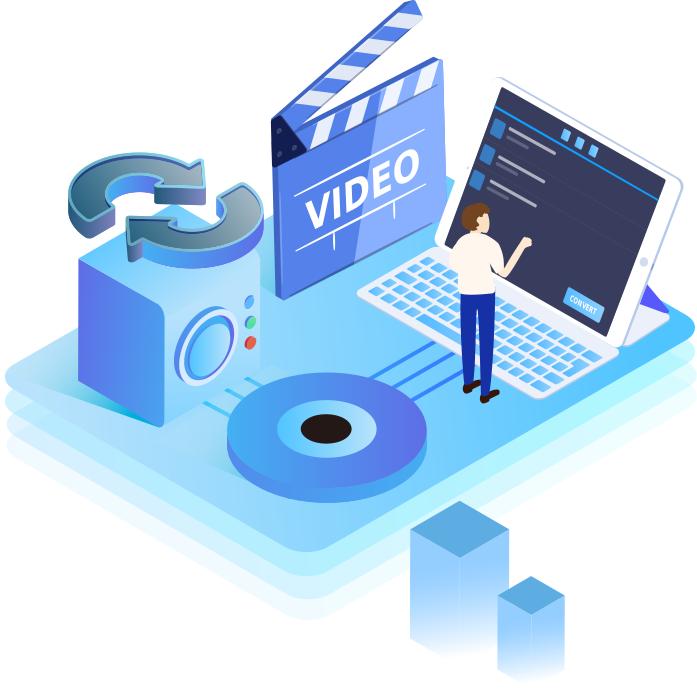
Video Converter
AI VideoKit enables you to convert between over 150+ different media formats, such as M4V, MOV, MP4, AVI, MPG, MPEG, MKV, WMV, ASF, H.264, RMVB, M4A, M4B, MP3, ISO and more.

MOV

ASF

MKV

VOB

MP3

AC3

AAC

FLV

ISO

HD AVI

HD MP4

More
As an expert in video conversion, AI VideoKit is capable of converting videos directly to popular gadgets and devices. There are currently more than 100 ready profiles for most well-known and mainstream devices. What's more, you can also create custom presets for any mobile, tablet or game device by adjusting the sample rate, bit rate, resolution, frame rate and so forth.
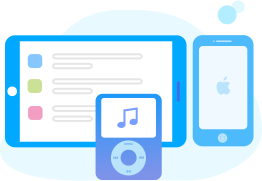
iPhone 13, iPhone 12, iPhone 11, iPhone XS, iPhone X, iPad Pro, iPad Air, Apple TV, etc.
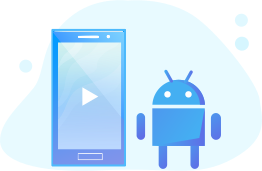
Samsung Galaxy S Series, Huawei Honor, Huawei Mate, HTC Ultra, Google Pixel, etc.

Xbox 360, Xbox One, PS5/4, Nintendo Wii, PSP and more game consoles.

Popular smart TVs such as SONY TV, Panasonic TV, LG TV, Samsung TV.

AI VideoKit makes file conversion easier than ever. Adopted with a new algorithm and optimized acceleration technology, it is made to operate at a super-fast conversion speed up to 60X, converting video and audio like a breeze. The boost in speed makes itself perform far better than any other traditional media converting tool in the market.

To save your valuable time, this video converter in AI VideoKit not only allows you to import videos and audios as many as you like, but also enables you to batch convert multiple files at the same time with a single click after editing. You're able to finish your conversion tasks with no hassle at all, even dealing with 4K videos.
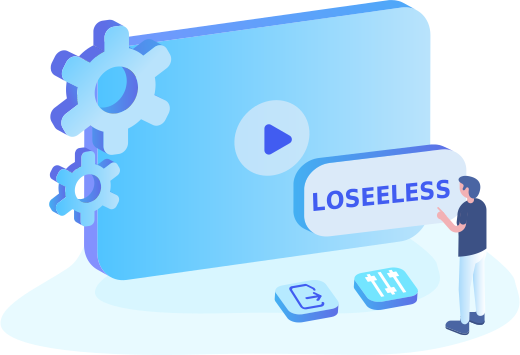
AI VideoKit is widely considered an ideal option for all beginners and professionals, especially those who care much about output quality after conversion. It performs excellently in preserving 1:1 lossless quality. Therefore, just give it a shot if you'd like to keep balance between quality and speed.
Being an easy-to-use video conversion software, VideoKit Video Converter is a perfect solution for any type of users, even if you are beginners who haven't used such tool before. Besides, it offers extensive format conversion capabilities perfectly tailored for Windows and macOS systems, delivering outstanding performance you can imagine.

Supporting multiple subtitles and tracks, this tool enables you to switch subtitles and audio tracks freely.

This software supports lossless 4K video conversions so that you can enjoy extraordinary picture quality.

You can choose to merge multiple videos and audios in different formats with a simple click before conversion.

With its inbuilt media player, you're allowed to play and preview converted videos and audios at any time.

Copyright © 2026 Anikeep Studio. All Rights Reserved.